
As-Built Drafting & Redline Conversion
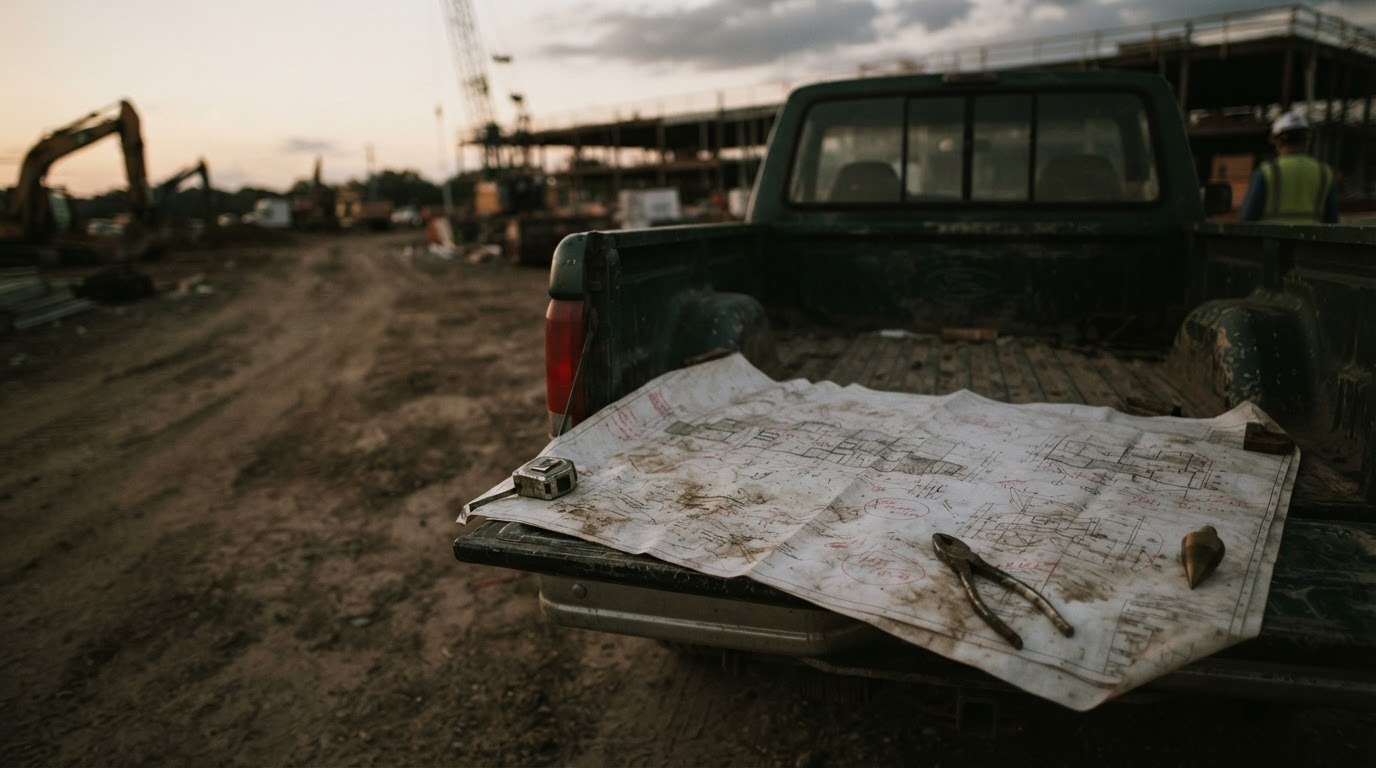
Construction rarely matches the design, and the record of what changed usually lives on a marked-up print in a truck. We turn field redlines, site photos and survey data into a clean as-built set that matches what was actually built.

Concrete deliverables, not vague promises.
Drawing sets
- Full as-built drawing packages in your CAD standard, layered and titled to match
- Revision clouding and delta tracking against the original issued-for-construction set
- Plan, profile and detail sheet updates
- Sheet index and revision history reconciliation
Reconciled data
- Updated BOM and BOQ reflecting installed quantities, not designed quantities
- Variance reports flagging where installed differs materially from designed
- Asset schedules and equipment lists with as-installed identifiers
- Splice matrices and connectivity records updated to field condition
Records and handover
- KMZ and shapefile network records georeferenced to as-built positions
- GIS attribute updates ready for import into the client's asset system
- PDF handover packages indexed for O&M use
Photographs of marked-up prints are the most common input and entirely sufficient. We also work from scanned redlines, field notebooks, GPS logs, drone imagery, survey point files, splice logs, and verbal walkthroughs recorded on a call. Where the redline is ambiguous, we return a single consolidated query list rather than a stream of individual questions.
Codes & standards
We work to the client's CAD standard as supplied: layer naming, line weights, title blocks, plot styles and file naming conventions. Where no standard exists, we apply NCS (National CAD Standard) or BS 1192 / ISO 19650 naming as appropriate to your market and document the convention used.
Full service engineering design. Delivered remotely.
- 01
Start with a bounded request
Send what you have — sketches, GIS/CAD files, pole data, spreadsheets. A named engineer reviews it and confirms a scoping timetable.
- 02
Agree scope, standards & criteria
Work begins once a written SOW sets deliverables, assumptions, standards and who owns each engineering decision.
- 03
Produce with visible controls
Assumptions, RFIs and progress are logged as they happen, not buried inside the drawing set.
- 04
Independent QA & handoff
A second reviewer checks the package against the SOW before a revision-tracked transmittal ships.
Contractors closing out a project against a retention release
Telecom operators and ISPs maintaining accurate network records post-build
Utilities with a backlog of unconverted field redlines
Engineering consultancies whose drafters are committed to live projects
How accurate can as-builts be from photos alone?
As accurate as the redline. We reproduce what the field recorded and flag what it didn't: every package includes a list of items where the source material was ambiguous or absent, so you know exactly what has been assumed rather than recorded.
Can you work to our CAD standard?
Yes. Send the template, layer list and title block, and the output is indistinguishable from work produced in-house. If you have a CAD standards document, send that instead and we'll follow it.
What's a typical turnaround?
A single-sheet redline conversion usually returns within 24–48 hours. A multi-sheet package with BOQ reconciliation is typically 3–10 business days depending on volume. Every project is quoted with a fixed date before work starts.
Have an as-built drafting & redline conversion project to scope?
A sketch, a photo, a spreadsheet: send what you have and we’ll take it from there.